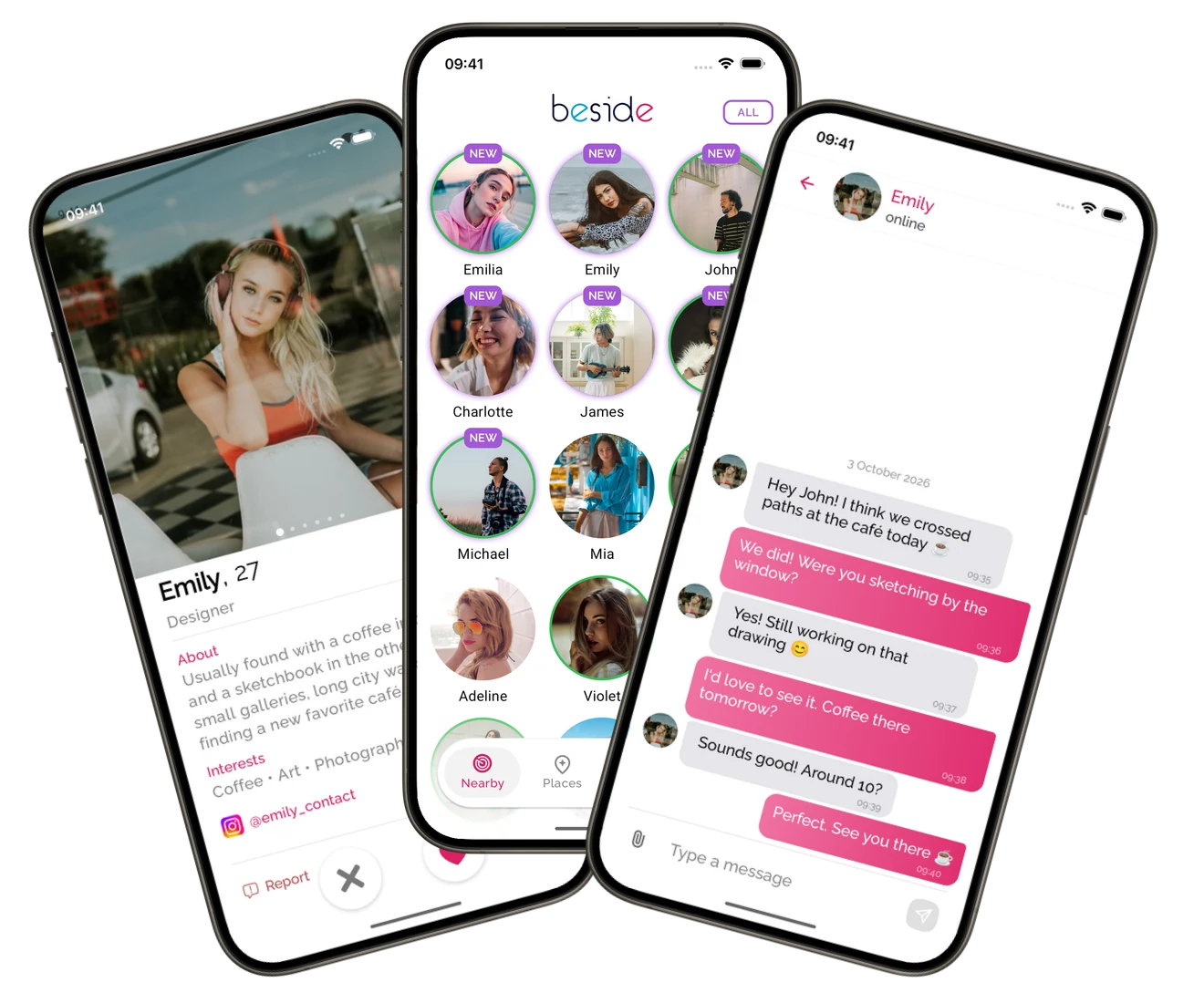
Crossed paths? Not your last chance
Find people you’ve been close to in real life — at the next table, in the café queue, or passing on the street. Get another chance to say hello.


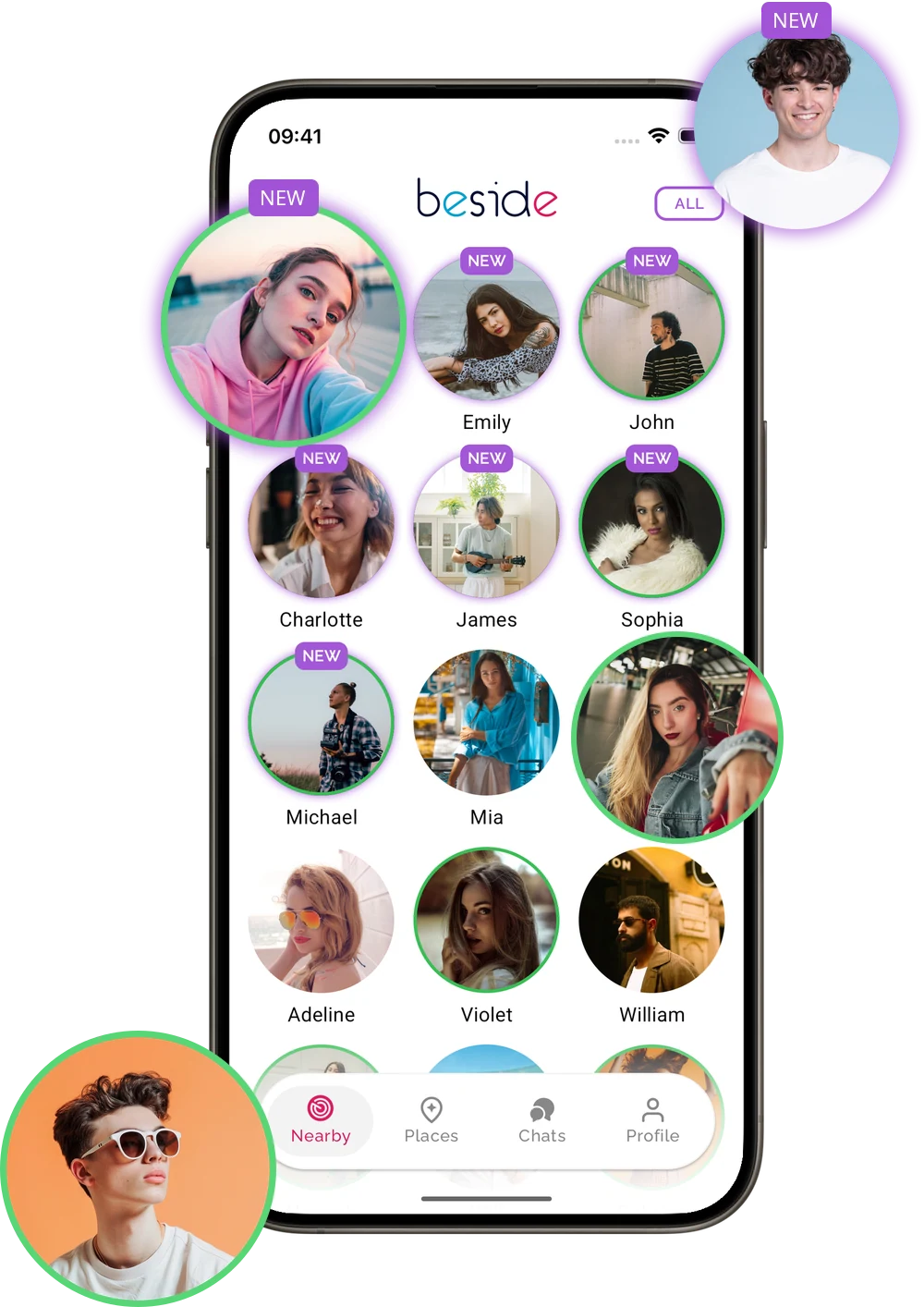

Ever wished you’d said hello?
Sometimes you only realise you wanted to meet someone after you’ve walked away.
Why Beside
A connection that starts close by.
The next table, a shared concert, a passing moment. Beside brings those real-life encounters into reach.
The smallest search area on the market.
Bluetooth discovery focuses on people in your immediate surroundings — the other Beside users you cross paths with.
No fake profiles added.
We do not invent people to fill your feed. Your encounters come from other people using Beside nearby.
Another chance after you leave.
Busy in the moment? Return to your encounter history later, find a familiar face and send a like when you are ready.
How Beside works
From a familiar face to your first hello.
Someone at the café. A face in the crowd. Beside gives you a way to find each other again — and decide together what happens next.
Discover
See who’s around you. And who was.
Turn on discovery before you head to a café, campus or event. Beside uses Bluetooth to find other users nearby and saves encounters for you to revisit later.
- Nearby now
- See the Beside users who are close by right now.
- Crossed paths earlier
- Return to your encounter history when you have a moment.
Enable Bluetooth, the required permissions and background activity on your phone before you go out.
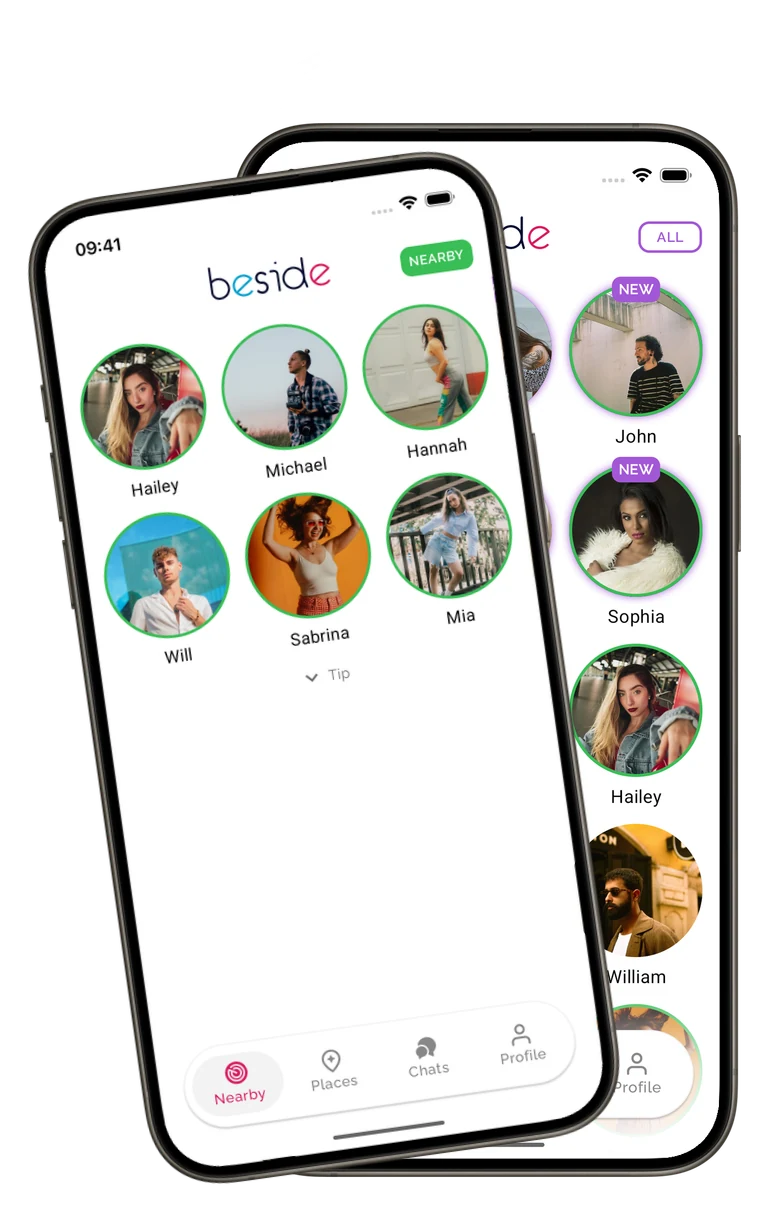
Your nearby view and encounter history, in one place. Choose
Find a familiar face. Make the first move.
Recognise someone? Open their profile to see their photos, introduction, and interests before deciding whether to like them.
- Look beyond the photo
- Explore their profile and interests at your own pace.
- Let them know you’re interested
- Like their profile if you’d like to get to know them.
A like is your first step toward a conversation.
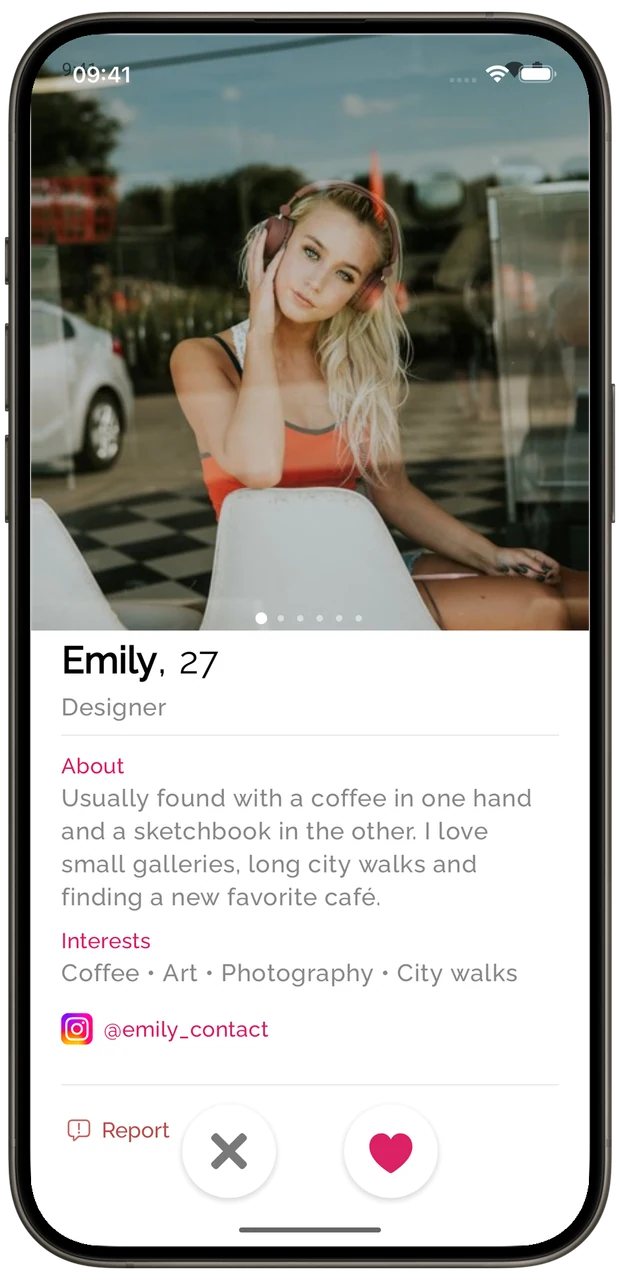
A profile gives you a starting point for a real connection. Connect
When the feeling is mutual, say hello.
You like them. They like you. A chat opens in Beside, and that person from your day can become someone you get to know.
- Two people, two choices
- A conversation becomes possible only after you both like each other.
- You already share a moment
- Start with the café, event, or encounter that brought you together.
You can report a profile or block a chat in the app.
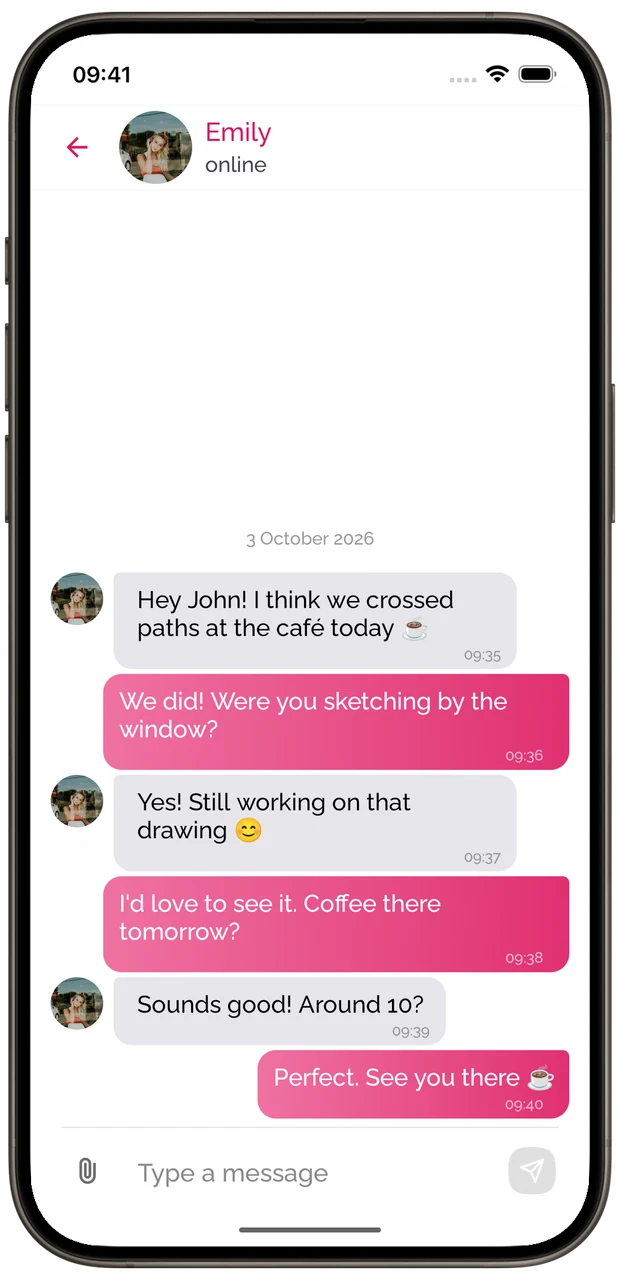
From crossing paths to a conversation you both chose.
See the whole idea in 19 seconds.
A quick look at finding people you’ve crossed paths with.
Connection, with boundaries
Being nearby is a start. The next step is yours.
Meeting someone new should leave room for choice. Here’s how that works in Beside.
Read our Privacy PolicyA like goes both ways.
Other users can’t start a chat with you unless you like each other.
Take a break from discovery.
Tap the Beside logo in the app to pause finding and being found by new people. Pausing doesn’t erase earlier encounters.
Keep control of a conversation.
Report a profile when something does not feel right. You can also block the chat.
Who can I discover with Beside?
Beside discovers other users close by with discovery enabled. Turn it on before you head out, then explore your nearby view and saved encounters as you go about your day.
Who can see my profile?
Other Beside users who encounter you while discovery is on can find your profile. You can pause new discovery by tapping the Beside logo in the app. People you already encountered may still see you in their history.
Why does Beside ask for Bluetooth or location permission?
Bluetooth lets Beside discover other users close by. On Android, the app also requests location access, including background access, to support discovery while your phone is in your pocket. Allow the permissions requested by Beside and turn discovery on in the app.
Read our Privacy PolicyWhat if nobody appears nearby?
Check that Bluetooth, the required permissions, background activity and discovery are enabled on your phone. Then try a busy café, concert or campus and give discovery time. Beside does not add fake profiles to fill the list; new encounters appear as you cross paths with other users.
Follow the discovery setup guideCan anyone send me a message?
No. You both need to like each other before a chat starts. You can report a profile or block a chat in the app.
Find the answer you need
A missed hello, a quiet nearby screen, or a question about battery life. Start here.
How can I find someone I saw with Beside?
Find a familiar face in your Beside encounter history, explore their profile and send a like. Reconnect after leaving a café, concert or other shared place.
Read moreDoes Beside use much battery?
Our tests found very low daily battery use in Beside, below messaging apps running in the background. Learn how to check usage on your phone.
Read moreWhy is nobody showing up nearby?
Nobody nearby in Beside? Set up your phone, enable discovery and try busy places. Discover our smallest search area on the market, with no fake profiles added.
Read moreGet Beside before you head out
Set up your phone, turn on discovery and see who you cross paths with.