


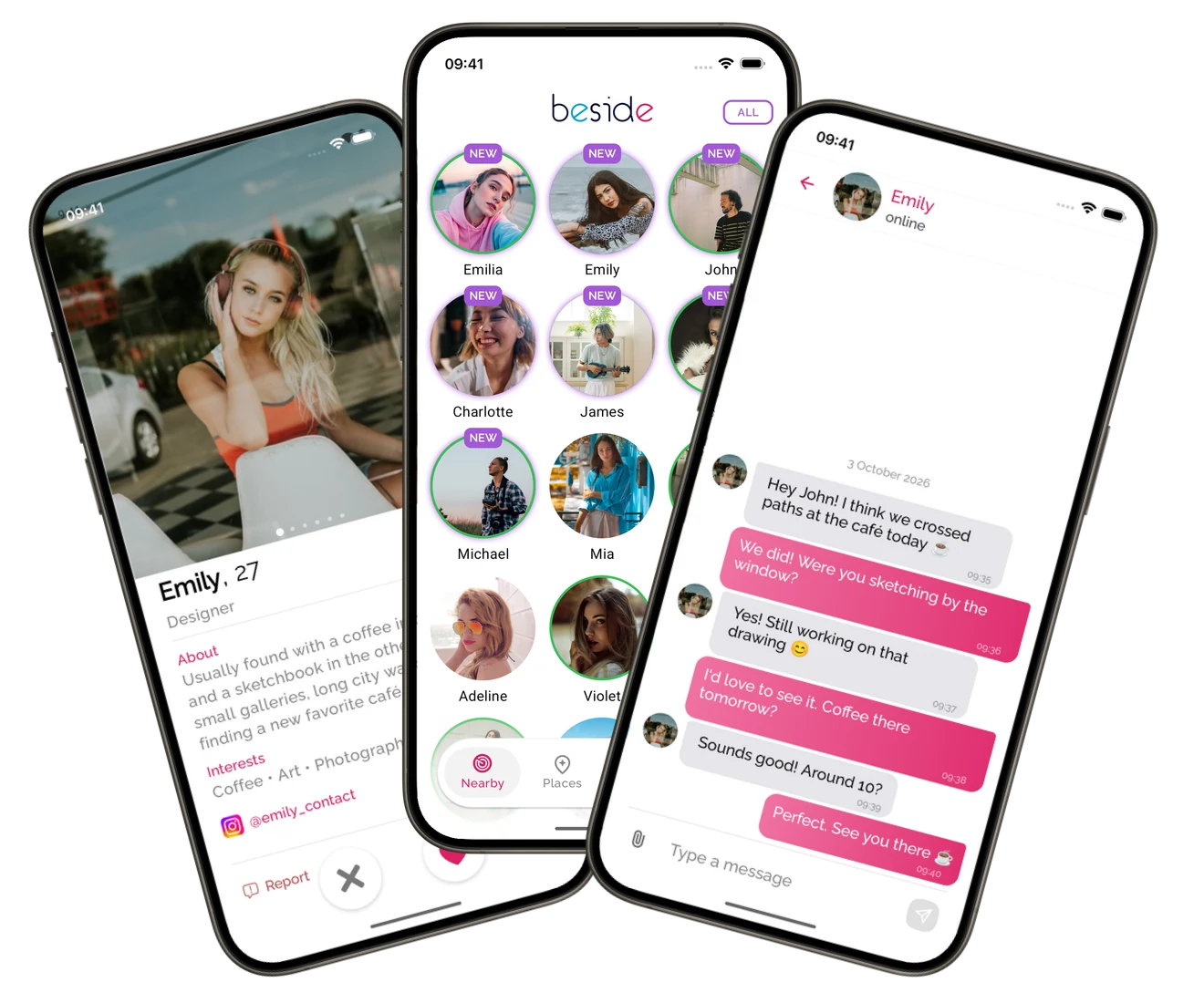


Get ready in a few steps
- Install Beside from the App Store or Google Play using the links on this page.
- Sign in and complete your profile with photos, an introduction and interests. Beside is for adults aged 18 and over.
- Turn on Bluetooth and allow the permissions Beside requests. Follow the Android or iPhone setup guide linked below.
- Enable discovery using the Beside logo in the app. Allow background activity so discovery can continue with your phone in your pocket.
- Head to a busy café, event, campus or popular walking area. Keep discovery on and check your nearby view and encounter history.
Your first encounters start here
Beside discovers other users nearby while discovery is active and saves encounters for you to revisit. Give it time as you go about your day. If your nearby view is still empty, the setup guide will help you check your phone and find places to try.